ohmymac
ohmymac is a menubar-only application, which is used to extend functionality of mac.
ohmymac is currently under development.
Features
Window
Design Philosophy
-
When using MacBook, I will lose direction in multiple windows and spaces, Because window and Space switch logic is so complex. For Example, when I change to another space, I will forget the old windows when need to go back.
-
So I need to remember the most recent windows (just record the order of the openning windows) globally.
Basic Rule
Condition Action Done When window unhide/activate append applicatoin icon to menubar. ✅ When window hide/close remove application icon from menubar. ✅ When click application icon on menubar switch to last activated window. ✅ When press Cmd+Tabswitch to last activated window. ✅ When click applition icon with flag Optclose the last activated window of the being clicked application. ✅ -
How to work with the window features of ohmymac?
- Just use StageManager/Mission-Control/Dock to find your target application and window, but use ohmymac to find your the most recent activated window.
- FullScreen: You can set menubar always show, So you can use ohmymac to find window quicklly. (without Mission Control or dock)
Description
-
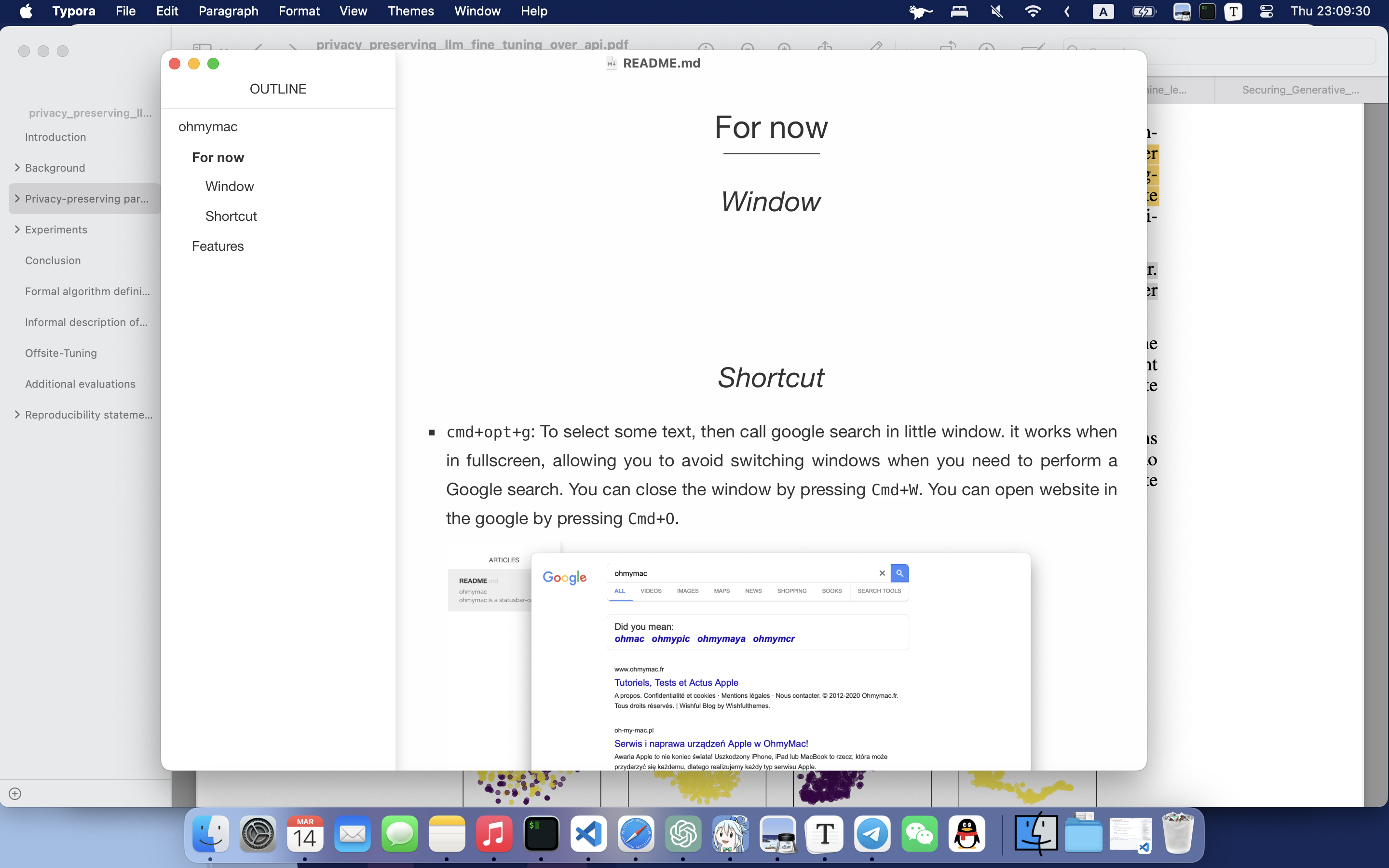
You will find the most recent three windows in the menu bar.
-
cmd+tabhas been overwritten by ohmymac, when you presscmd+tab, the menubar will show a list of all windows, and it will hightlight the selected window.(In the fucture, you may be able to choose your custom shortcut instead of
cmd+tab)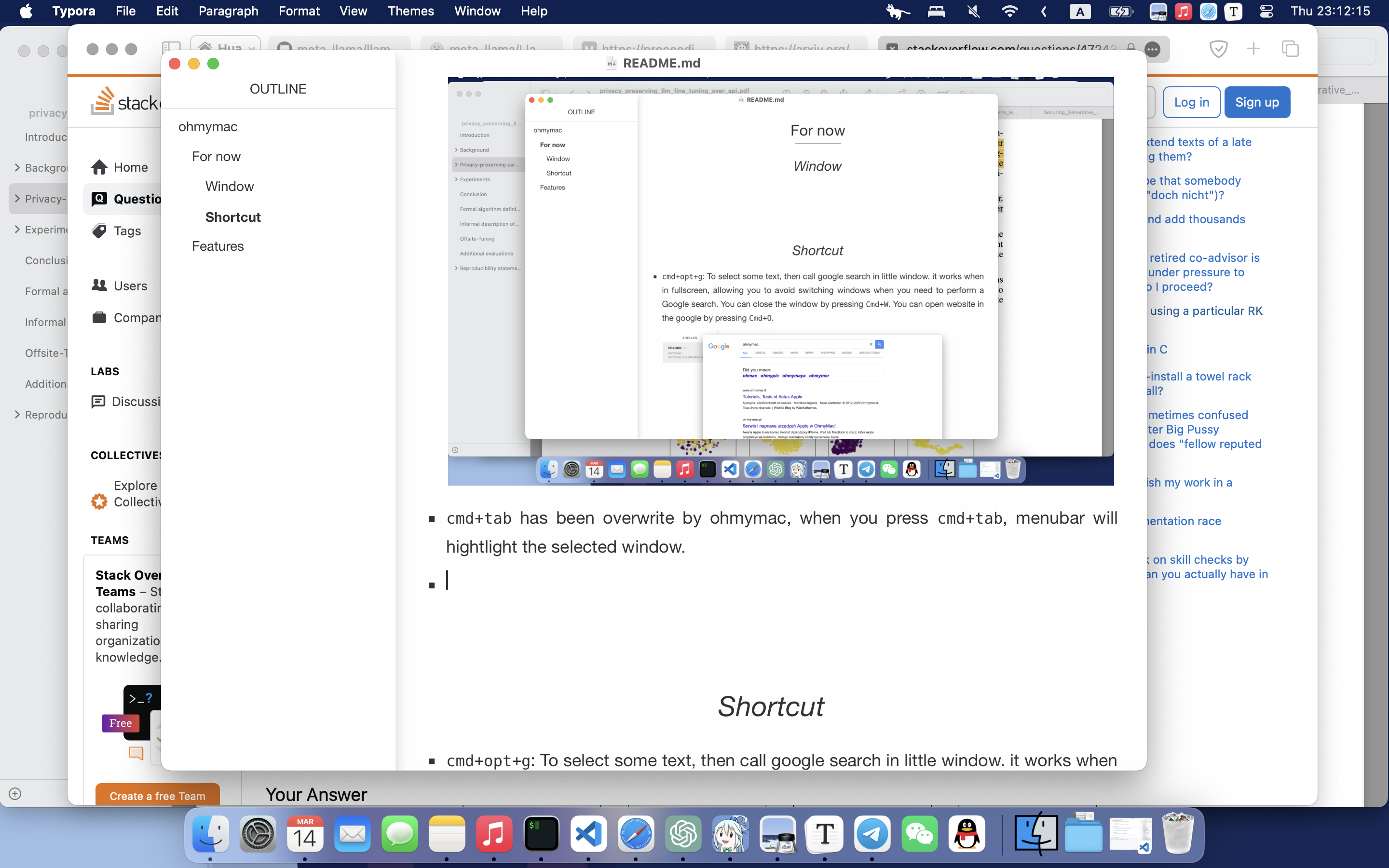
-
When the mouse enters the menu bar area of ohmymac, the menu bar will show a list of all windows, and it will hide when the mouse exits.
Shortcut
-
cmd+opt+g: To select some text, then call google search in little window. it works when in fullscreen, allowing you to avoid switching windows when you need to perform a Google search. You can close the window by pressingCmd+W. You can open website in the google by pressingCmd+O.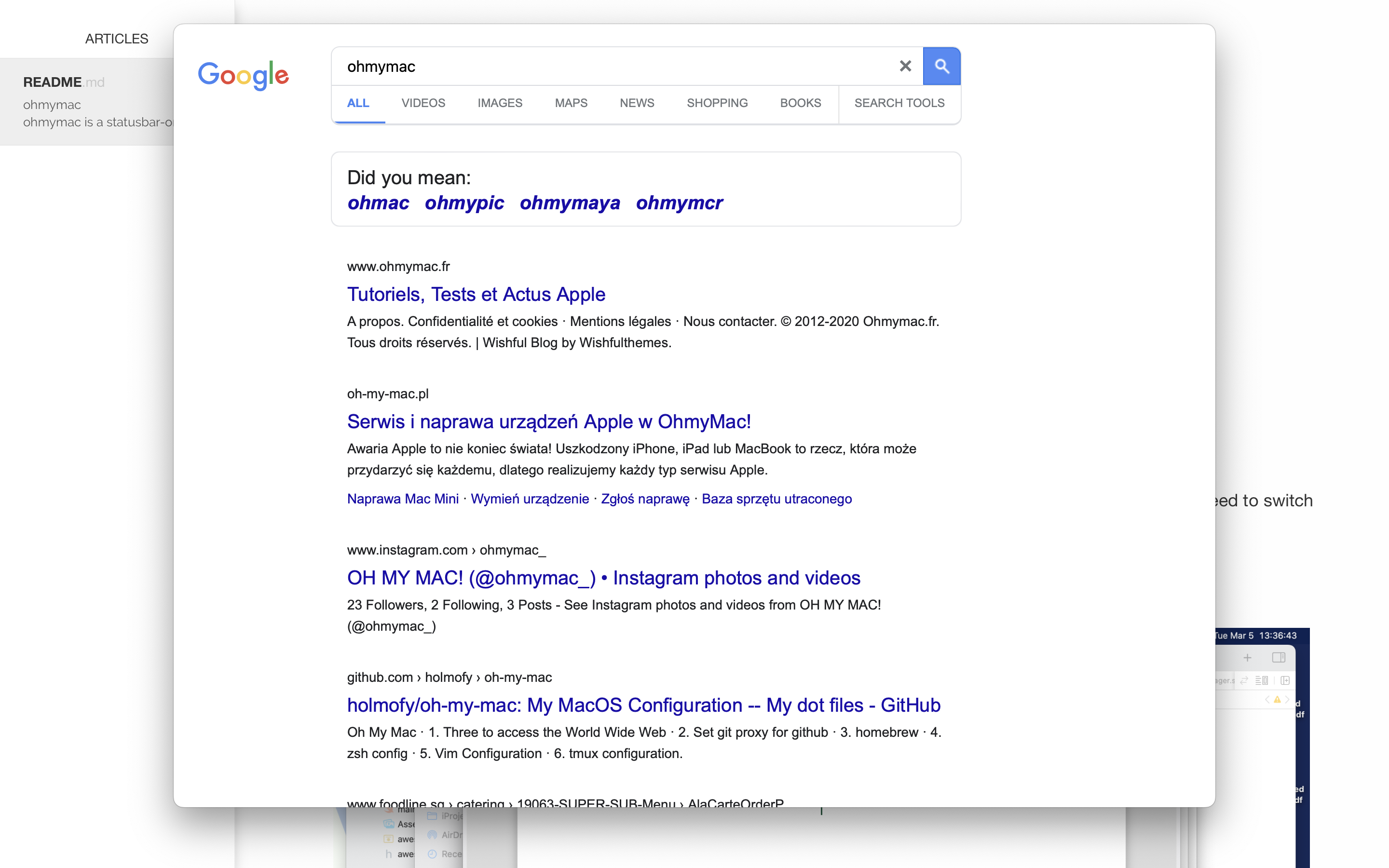
-
double click
opt: To translate a text and display it side-by-side, simply enter\spaceto close the window.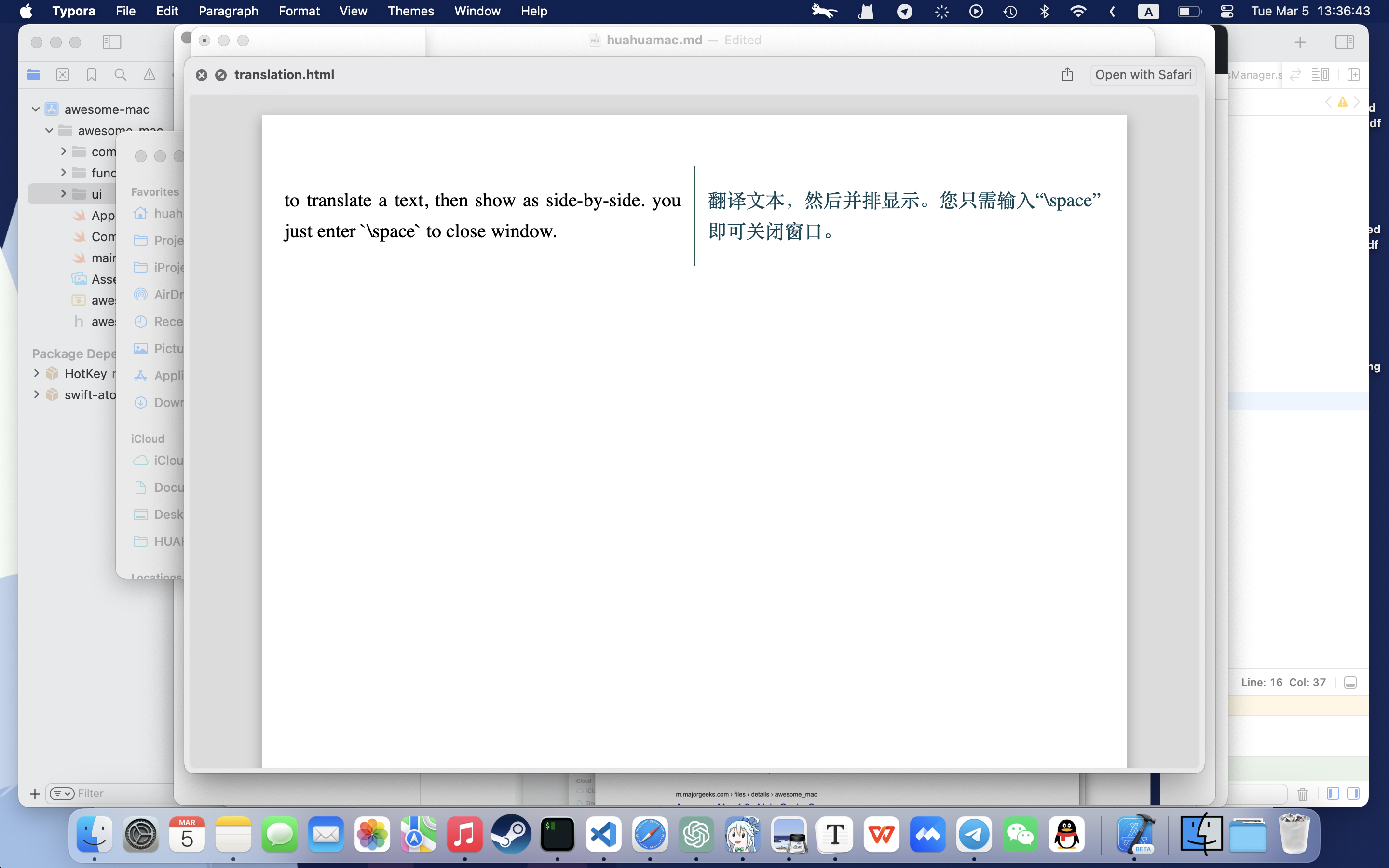
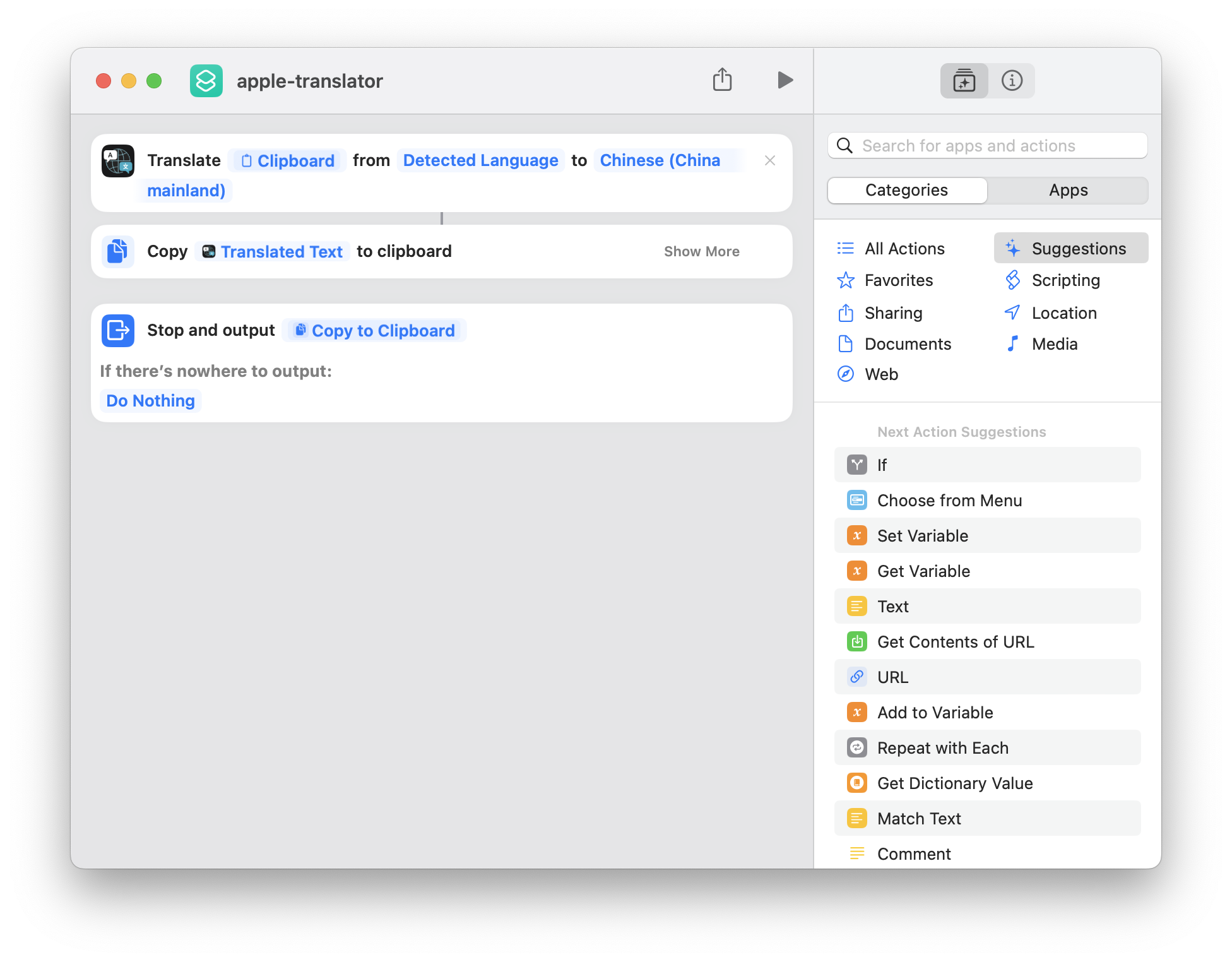
‼️ you must install a shortcut in mac, which named “apple-translator”, because this function relies on the internal Apple Translate feature, it doesn’t require an internet connection.
-
opt+l/opt+;/opt+'/opt+m: adjust window size to small, middle, large, full.